
View GOOGLE DRIVE Strategy
💾 GOOGLE DRIVE STRATEGY
Keep Google Docs, Sheets, and Slides organized and easy to access in one place.
Prepare ApplyFinidng Files:
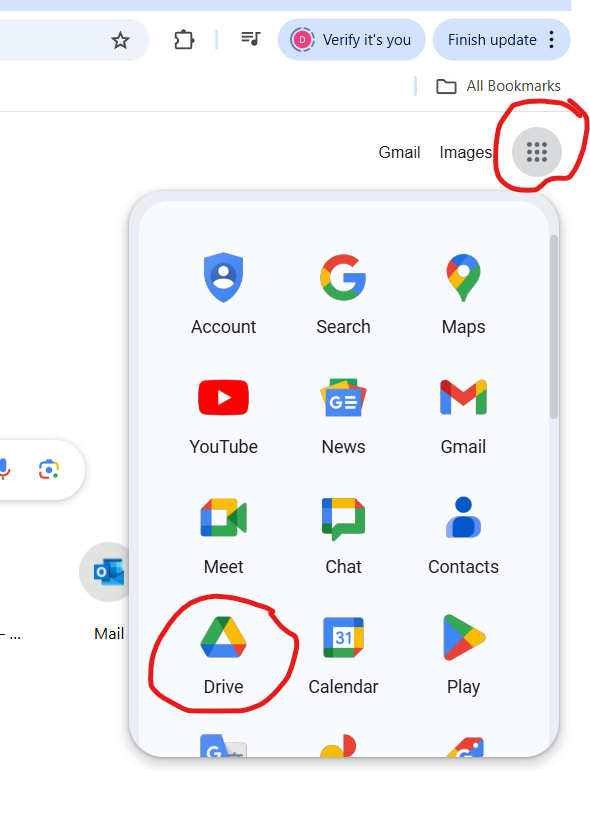
Creating Files or Folders:
Helpful Resources
*
*
*
*
*
*
*
*
*
*
*
Keep Google Docs, Sheets, and Slides organized and easy to access in one place.
PrepareFinidng Files:
Creating Files or Folders:
*
*
*
*
*
*
*
*
*
By visiting our website, you accept use of cookies and agree to privacy policy.